
Fruit and vegetable packing
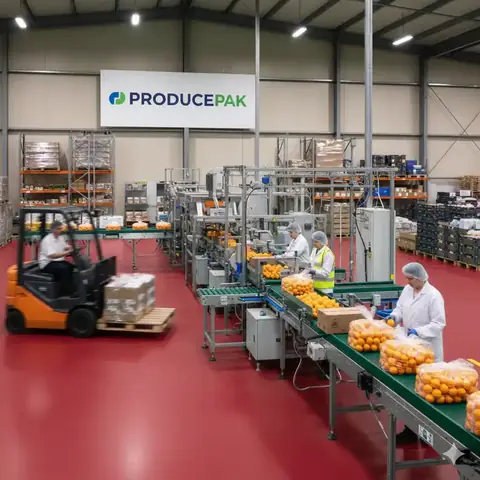
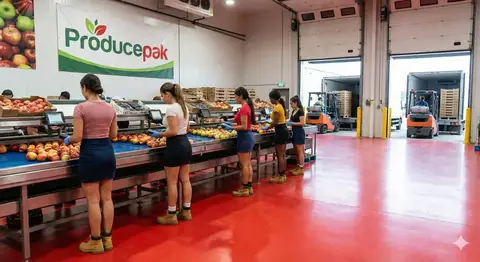
The steps are similar across crops – receive, sort, grade, wash, pack, store, ship – but each crop adds its own rules on tare, curing, grading and pack formats.
Farmsoft · Updated 25 October 2026 · 2 min read

Key points
- Deduct tare at receival so growers are paid on net weight.
- Grade results per lot drive packout, pricing and grower statements.
- Pack from bins, trailers or bulk stores – but always against a lot.
- Crop-specific QC templates keep inspections consistent.
The common process
- Receive – weigh, deduct tare, record grower, field and variety, label each bin.
- Store or cure – cool rooms, bulk stores or curing rooms by lot.
- Sort and grade – remove defects, size and grade, record the result per lot.
- Wash – potable water, sanitiser checks, drying.
- Pack – to customer spec, with labels printed for the right customer and product.
- Store and ship – FIFO picking, scan-verified loading, invoice.
Potatoes
Pack from bins, direct from trailers or from bulk storage rooms and silos. Deduct tare on delivery, wash, sort and grade, then pack bags or totes to order. See potato packing software.

Producepak
Fresh produce inventory, QC, traceability, packing and shipping in one app.
Carrots
Washing, polishing and grading by length and diameter generate significant waste; recording it per lot shows where yield is lost. See carrot packing software.
Onions
Curing and long-term storage dominate onion economics. Track loss and condition by bay and release stock by age or condition. See onion packing software.

Sweet potatoes and apples
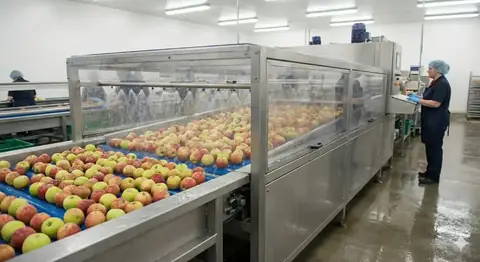
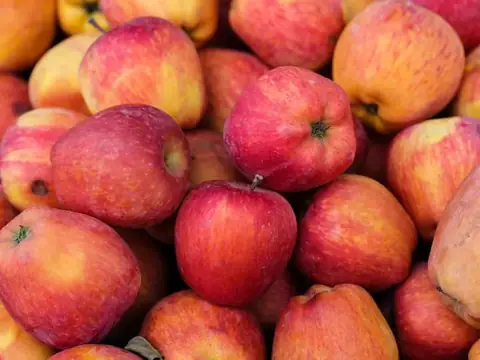
Both depend on storage: sweet potatoes after curing, apples in regular and controlled-atmosphere rooms for months. Shrink per room is the key number. See sweet potato and apple packing.
Salads and mixed products
Recipes drive raw-material demand, and every mixed batch records its input lots. See salad packing software.

Frequently asked questions
What is tare and why deduct it?
Tare is the weight of the bin, crate or trailer. Deducting it at receival records net produce weight so grower payments and yields are correct.
Can one system handle multiple crops?
Yes. Crops differ in grades, pack formats and QC templates, which are configured per product in Producepak.
Sources and further reading
Related Farmsoft pages
Related articles
 Packhouse operationsFruit processing software Fruit processing software for fresh-cut, food service and value-added products: raw-material planning, recipes, lot tracking, shelf life, QC and invoicing.
 Packhouse operationsIntegrating packing machines with your packhouse software Connect graders, weighers and packing machines to Producepak: collect packed units, cartons, pallets and batch times automatically and print traceability labels.
 Traceability, QC & complianceFresh produce quality control Fresh produce quality control: consistent inspection templates, photos, alerts, AI-assisted inspection and QC in fruit and vegetable processing and IQF.
 Inventory & warehouse6 steps to improve packhouse inventory management Six steps to better packhouse inventory: live stock by location, automatic traceability, enforced FIFO, waste alerts, grower payments and correct labels.
See Producepak running on your produce
Watch the short video, then book a live demonstration with a fresh produce consultant.