RFID fresh produce traceability:
Reduce errors and increase accountability of fresh produce inventory with the Producepak RFID fresh produce traceability inventory app: Automatically track fresh produce (apples, onion, potato, citrus) when moved from warehouse/cool room. Inexpensive solution uses low cost hardware with almost zero installation costs.
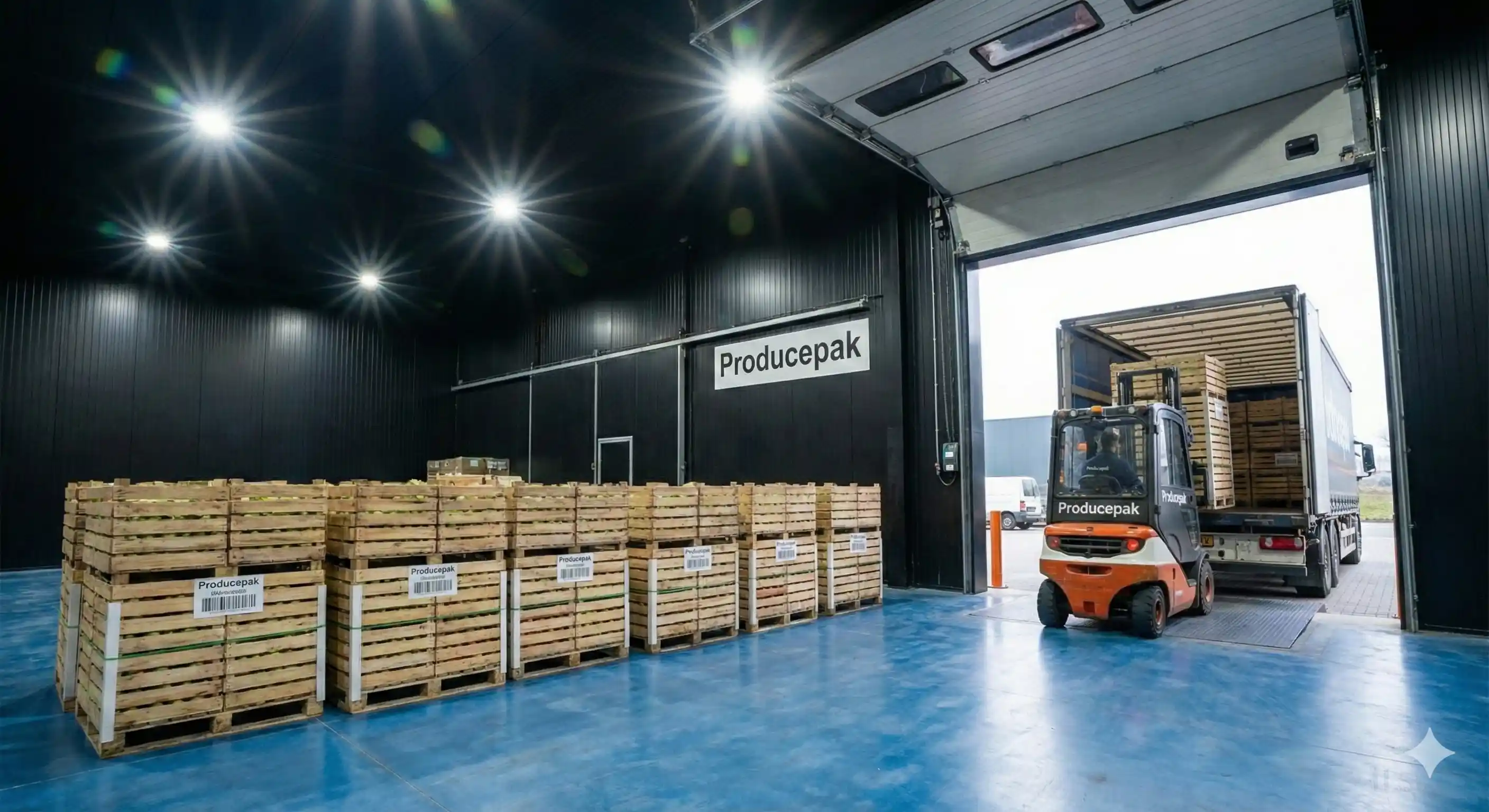
Setting up RFID fresh produce inventory pallet positioning tags
View Traceability App Specifications.
HOW SHOULD I LABEL MY RFID PALLET POSITIONS?
Name each warehouse /cooler with a number, eg: 01, 02 etc. Isles with a number 01, 02 etc. Pallet positions with an number 01, 02 etc. If you stack pallets two high, swap the 0 for a 2, eg: 21 (level 2, position 1), 22 etc. You can tell the exact position of a pallet within your business: 01 02 04 (Cooler 1, Isle 2, Position 4). Apply RFID tags in front of each pallet position. Make sure the tag is in a position where it will be read when putting a pallet down. This is usually a few inches before the pallets physical floor space. Test before you permanently apply pallet position RFID tags by simply placing the tag on the floor and using the simulation test to check its read distance and position. To apply RFID tags for fresh produce pallet positions, chip a very shallow hole into the cement, insert RFID tag, cover over with superglue to make the surface flat and protect & preserve the RFID tag. Larger tags have better scan rates so you may choose a larger tag for your pallet positions, again, testing is essential. Paint pallet spaces on the floor to ensure pallets dropped in correct space for maximum RFID rea accuracy.
See illustration of live fresh produce pallet position in a cooler. RFID tags are installed in front of each pallet space. Pallet spaces should be painted on the floor to ensure correct positioning and reliability of RFID tag reading.
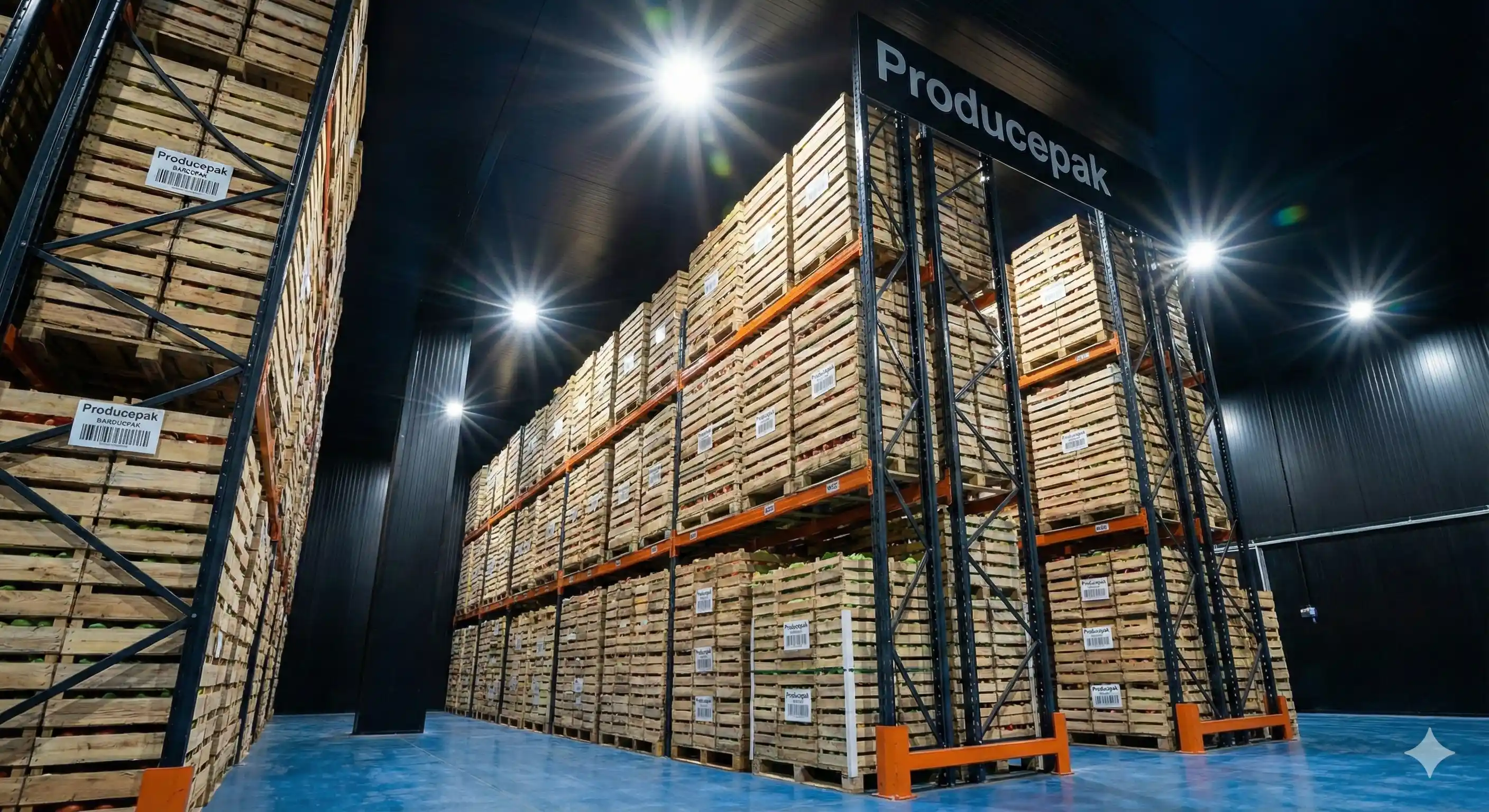
RFID fresh produce inventory
How can I make my RFID tags read at greater distance?
If you need your pallet position RFID tags to read at greater distance ask your RFID tag provider which tags can have their read range boosted by placing a metal plate under them prior to installation (or experiment yourself with your test tags). You can also plug the USB hub (which powers the RFID reader) into a higher powered USB charger (eg: higher wattage and voltage, or use a smart adaptable maximum wattage charger). Using a hub that isn’t powered (by a higher wattage USB charger) shortens read distances by 50% in our tests. In our testing with RFID tags; we achieved maximum read distance of 9.5” / 24cm using the cheapest readers we could find (ie: if this distance doesn’t work for you [it should if you position everything correctly] then buy more expensive RFID readers and use higher power UBB hub & charger, place metal plates behind RFID pallet position tags, or use non disposable tags that are larger and have greater read distance (remove from pallets during shipping process).
Can I skip RFID tagging pallet positions?
Yes, however users will need to select a new storage location every time they move a pallet; essentially the only benefit of using RFID for fresh produce like this would be to have the pallet automatically selected when it is picked up (for movement, and for adding to orders).
Can I tag every case?
Yes, however this will significantly increase the cost of your RFID software module (please enquire) and the required hardware by about 400-800%. Individual case tagging requires a project to determine your exact requirements and modify Producepak RFID to match.
Can I substitute any brand of RFID hardware?
Yes. Just make sure it passes the tests. You can use any RFID equipment from any vendor or simply order from Amazon.com.
How do I tag positions inside our trucks?
If you tag pallet positions inside your own delivery trucks, Producepak RFID can detect the truck that you loaded the order onto. Simply tag the pallet spaces the same way you would for a warehouse or cooler.
Can we integrate other systems with Producepak fresh produce RFID?
Yes. Ask your solution consultant for a quote to have our team perform any integration you require. Or, if you have your own I.T. department or vendor; you can integrate using the Producepak API which is open to all companies and vendors.
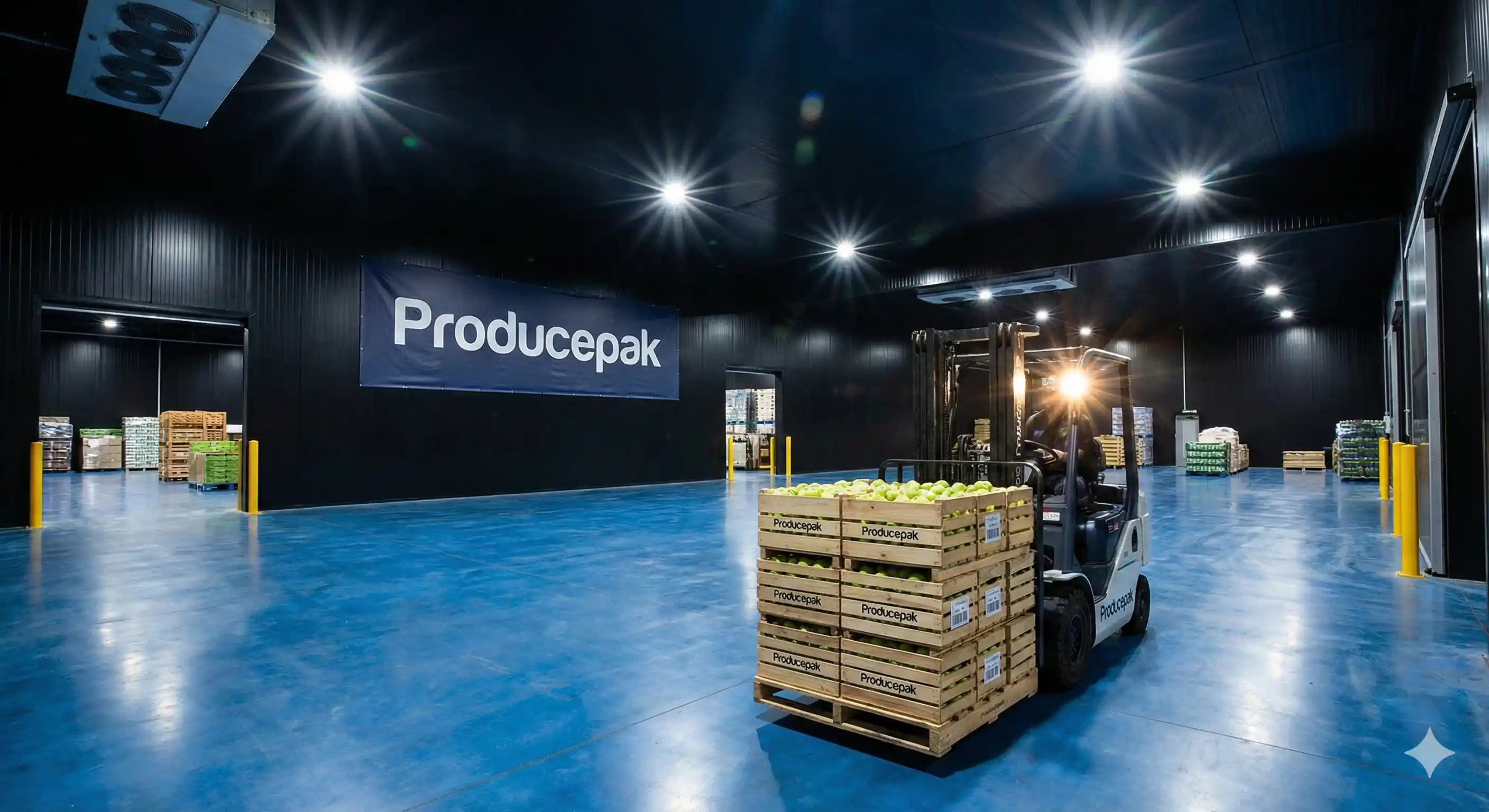
RFID fresh produce Traceability management best practices
What happens if an RFID doesn’t scan?
This can happen because the RFID has been removed/fell off, or placed outside the scan zone. In this case the forklift driver can simply type the pallet number into Producepak to select that pallet or scan pallet barcode.
Is the RFID solution available without Producepak Fresh Produce / Food Service solution?
The RFID pallet control module is an optional addon to the Producepak inventory solution, you need to buy both modules.
Can I perform Quality Control on the RFID tracked pallets?
Yes, you can select a pallet for quality inspection simply by picking it up.
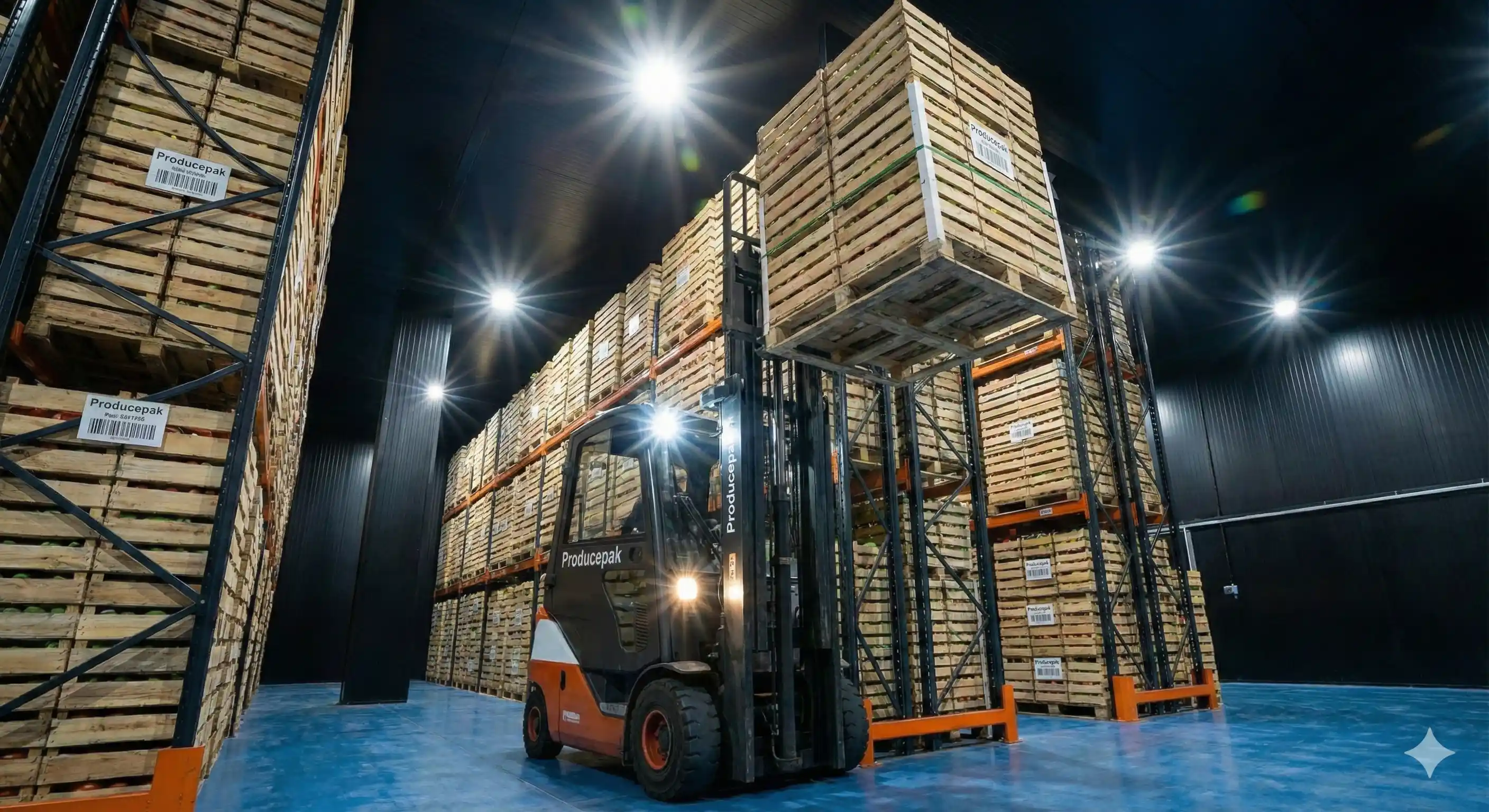
RFID fresh produce Supplier Traceability Management
Can I test before committing to Producepak RFID for fresh produce pallet control?
Yes! The test below should cost no more than $130. Before you purchase bulk RFID hardware; you should buy a few testing items such as one RFID reader/scanner and three or four different types of RFID tags (make sure the tag matches the scanner, and has pre-programmed serial number) and the USB hub.
1. Plug the scanner into the hub, and the hub into any Android tablet. Open up a text document or blank email on the tablet (we just need a space where text can be dumped by the RFID reader).
2. Simulation test: On a forklift position the reader where you intend on installing it, and move the RFID tag into the position it will be on the pallet or floor and note the distances at which the reading occurs (in the blank document on the Android tablet, you will see a string of text added every time the RFID scanner reads the tag). If the RFID tags scan at reasonable distances based on where you intend to fix the reader, then this part of the test has succeeded. Otherwise reposition RFID scanner or tags until you get good results. See “How should I label my pallet positions?” for additional testing. You should test with your four different RFID tags to see if selected tags scan at different distances (this is common).
3. The Pallet Position Reader (1) should preferably not read when the fork is lifted for pallet transportation.
4. Test that your Wifi works in all coolers and warehouses (Producepak fresh produce RFID requires an always on data connection). If you have dead spots, install boosters or Wifi access points with better antennae (note that 5Gen Wifi is pretty much useless in commercial environments because of its very short range and weak signal).
If you can pass the tests above you are ready to buy your RFID hardware for your entire fleet of forklifts. Didn’t pass the test? Try some different hardware / tags.